

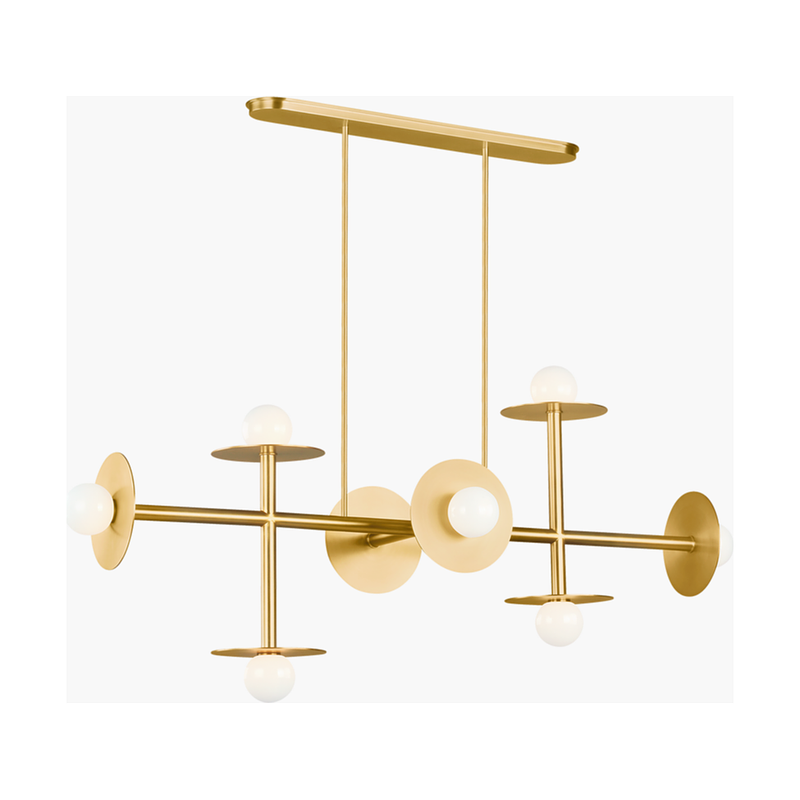
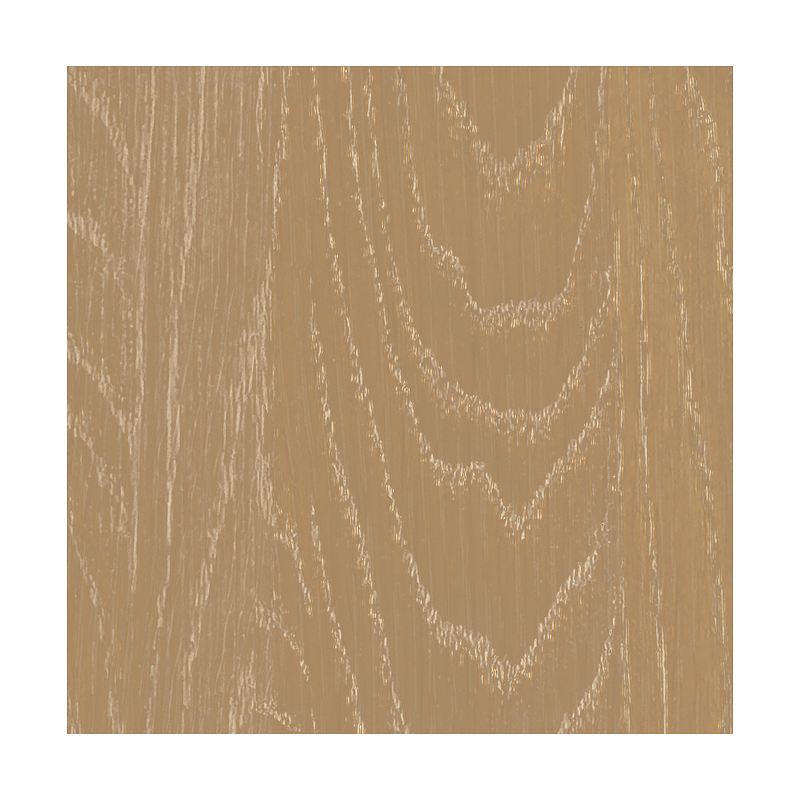
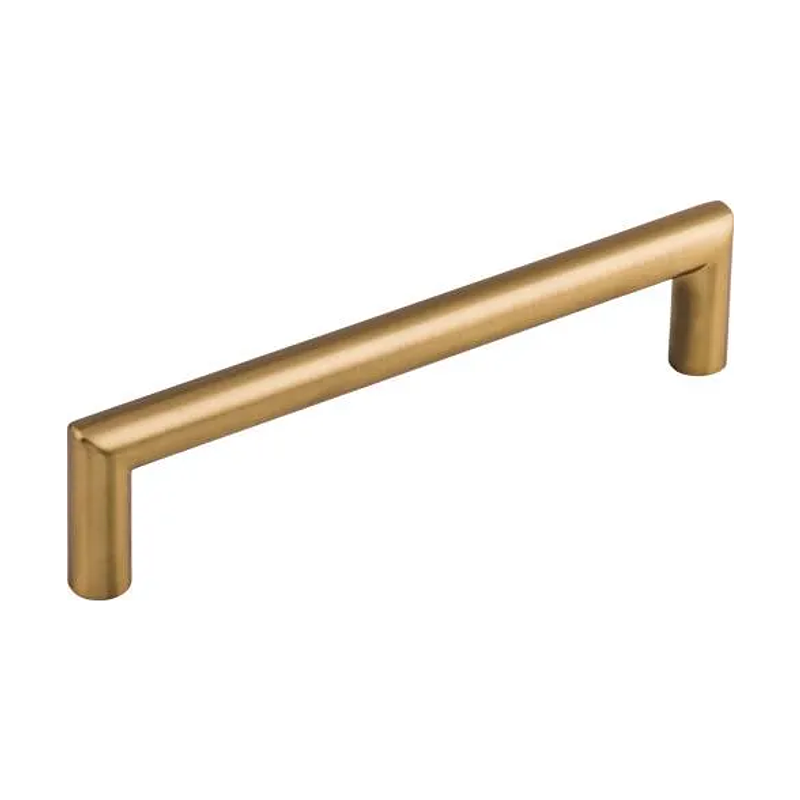

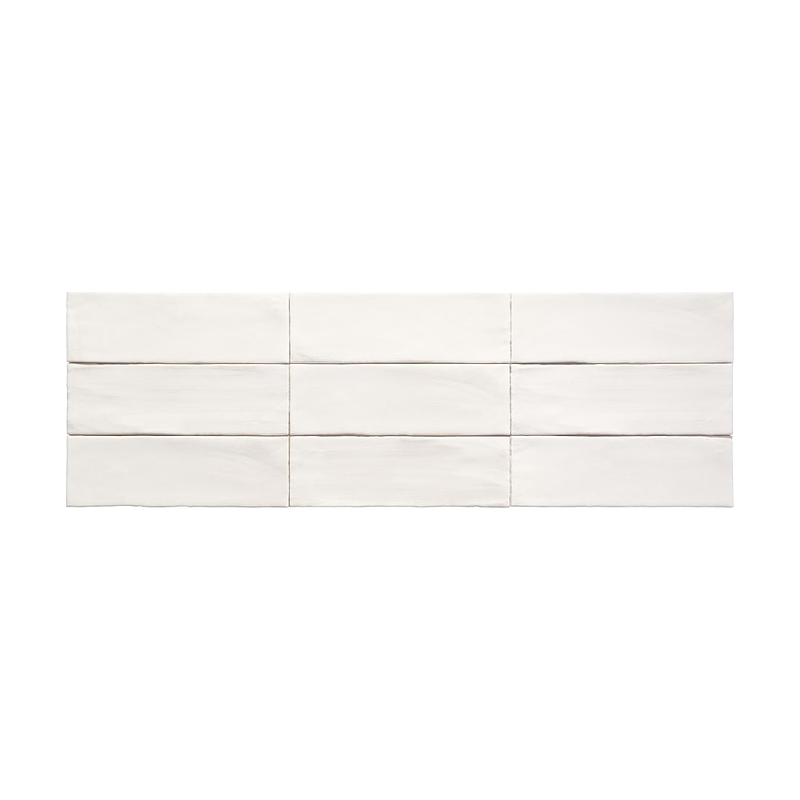


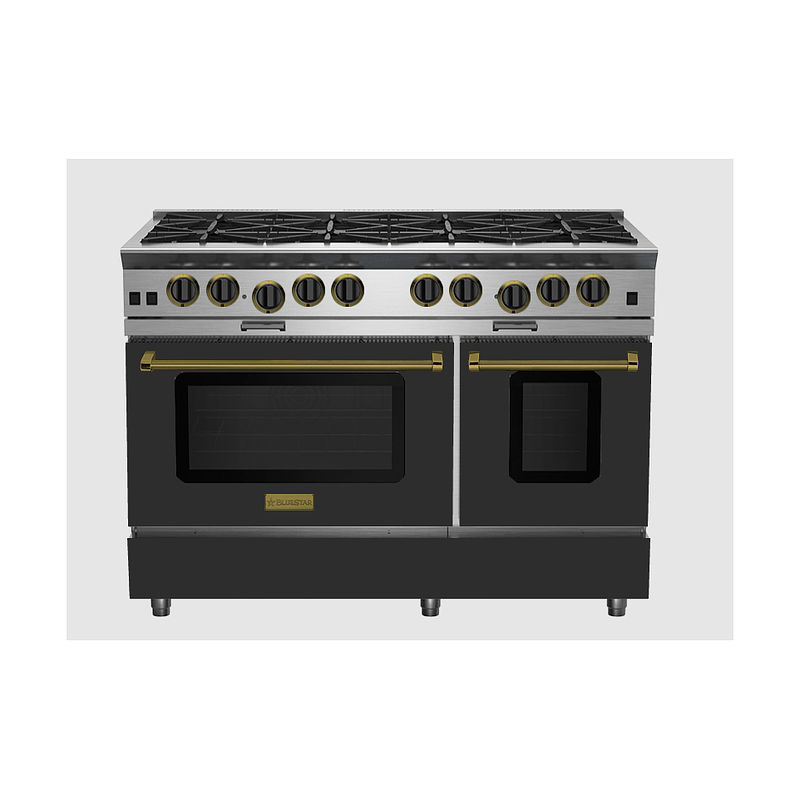
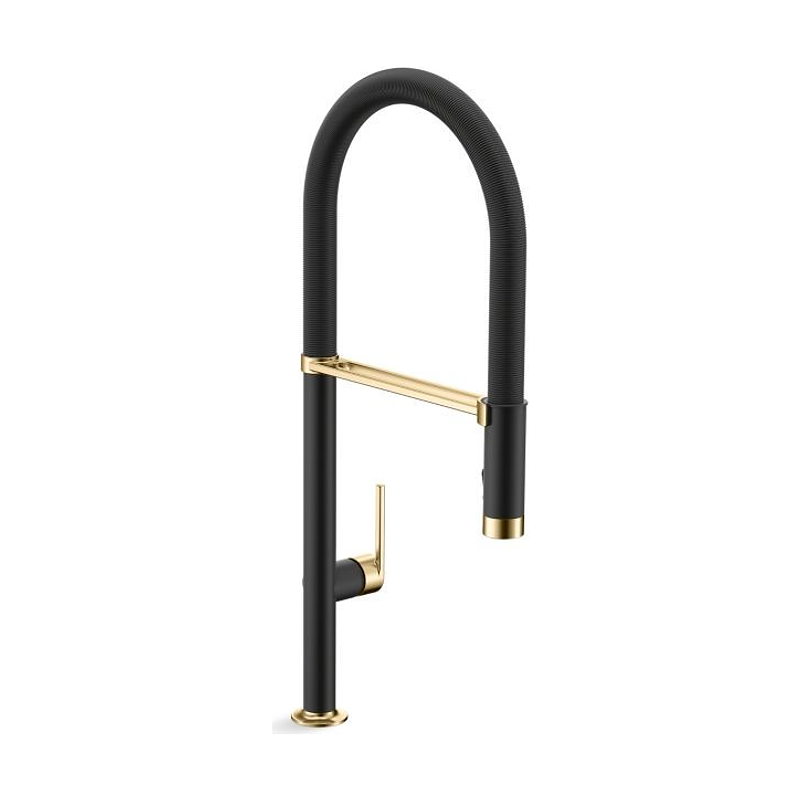
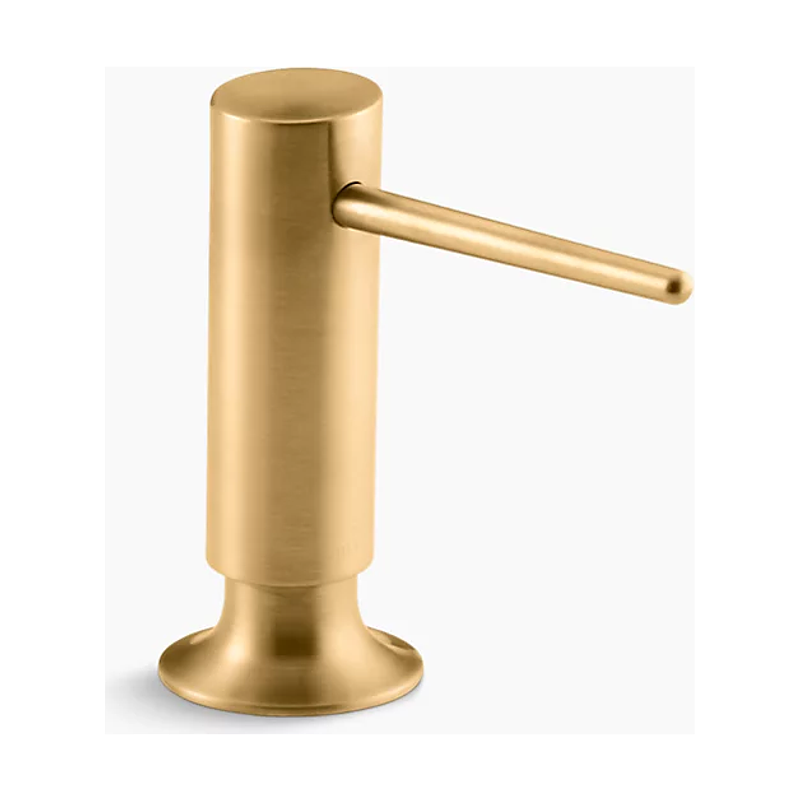
Every fixture and finish from that kitchen, organized in one place. See how it works ↓
Selections software for custom homes
Smart selections for custom homes.
Organize, approve, and share selections for custom homes without the hassle. Free to start. Pay when you publish.
From plans to sign-off, in one place.
Replace your selection spreadsheets in four steps. Analyze your plans, build your library, gather approvals, and publish for clients and subcontractors.
Start from the plans
Upload your floor plans and let AI do the heavy lifting. Rooms identified, measurements scaled, and scope defined room-by-room before you touch a thing.
Explore Projects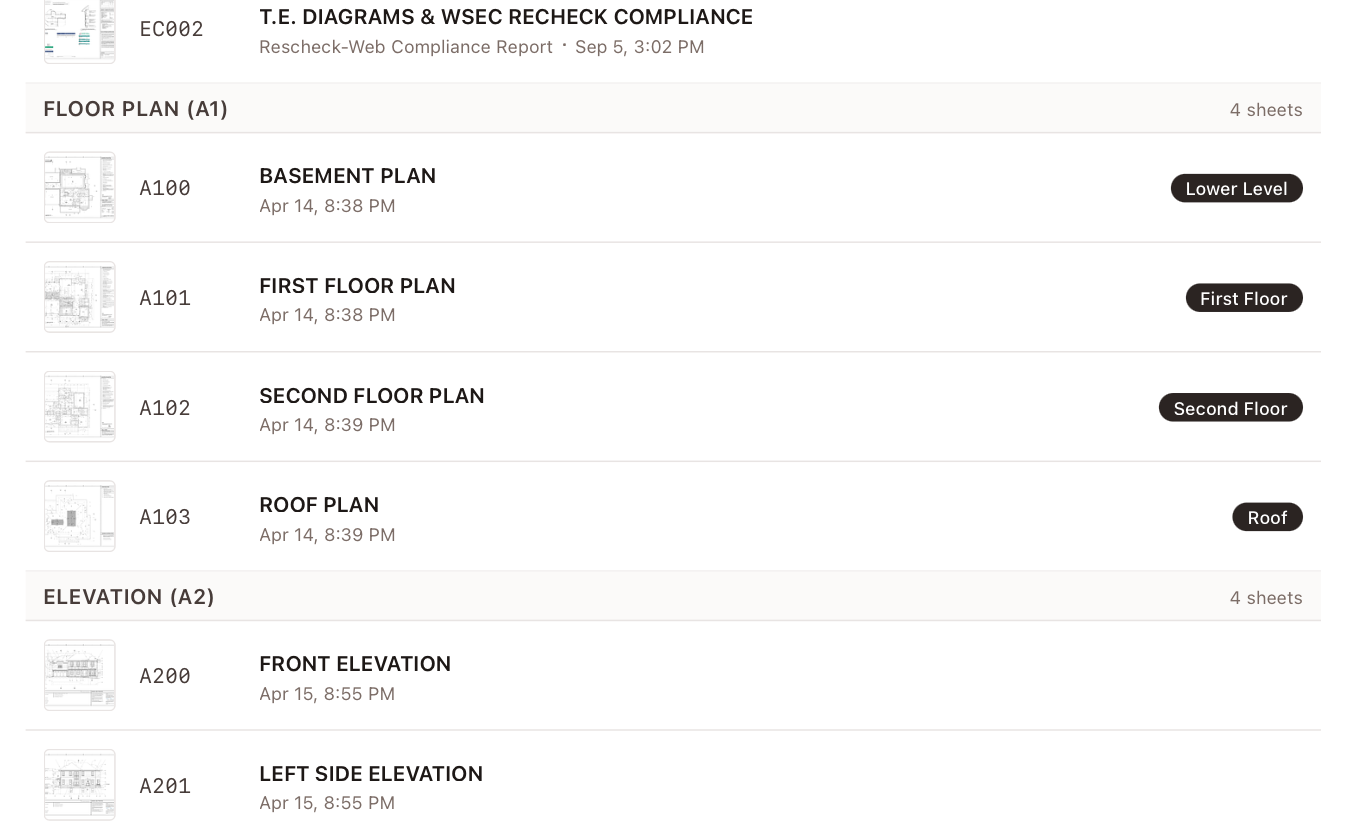
Build a reusable library
Stop pasting product names into cells. Paste a link and every selection carries its image, specs, structured details, and price history, searchable across every project.
Explore Selections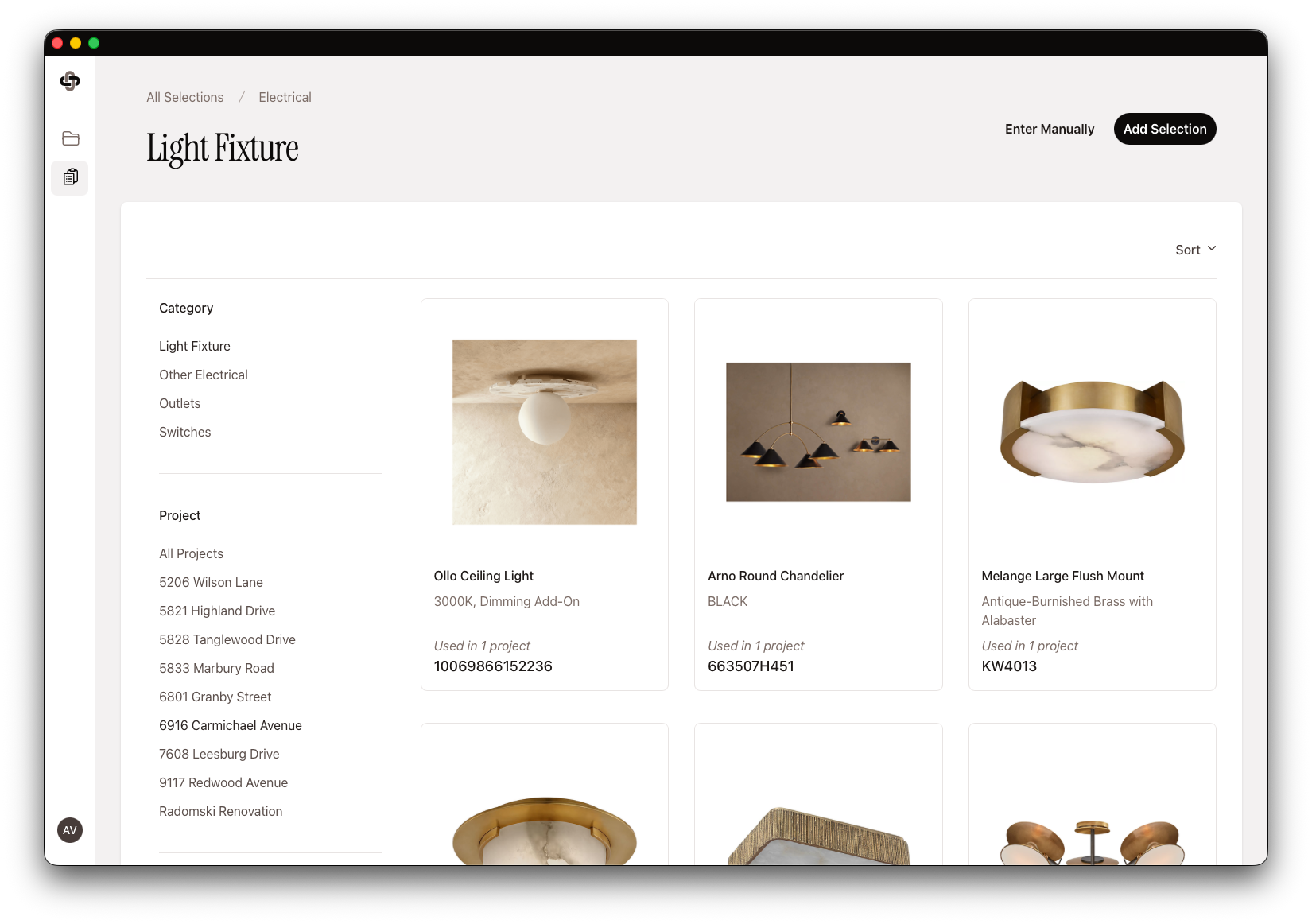
Gather client approvals
Gather client feedback without the email chain. Clients react, comment, and sign off in a dedicated portal, no account required, and every decision is documented. Final approval always stays with you.
Explore Approvals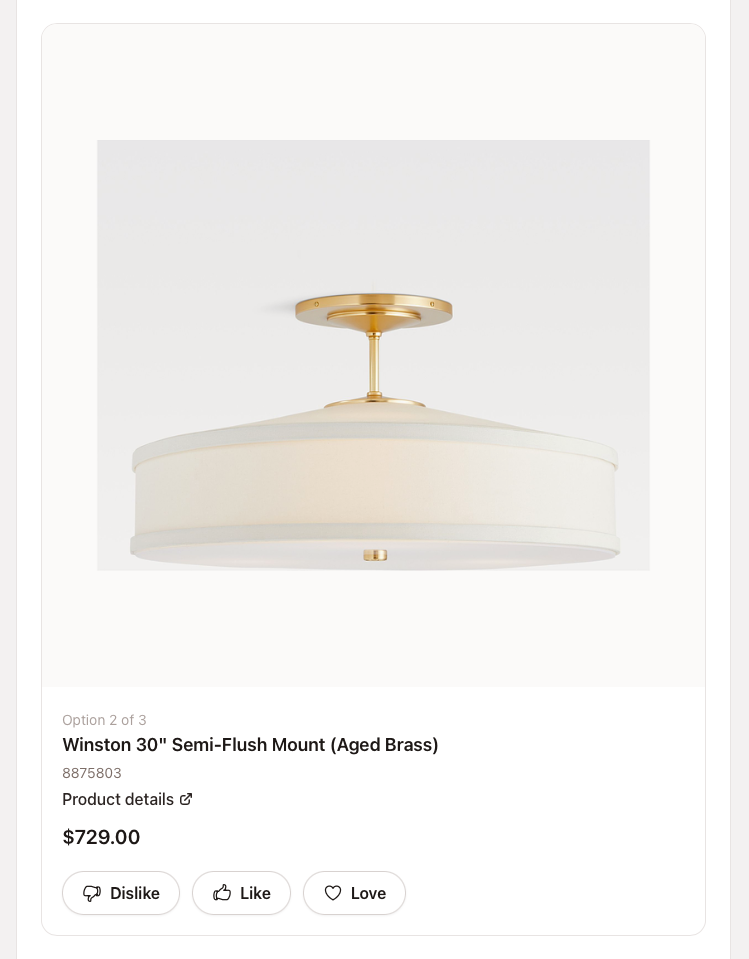
Publish professional spec packages
Generate polished lookbooks and specification packages for clients and subcontractors, ready for printing or digital sharing. QR codes on project items give the jobsite the latest specs. No app, no login.
See a lookbook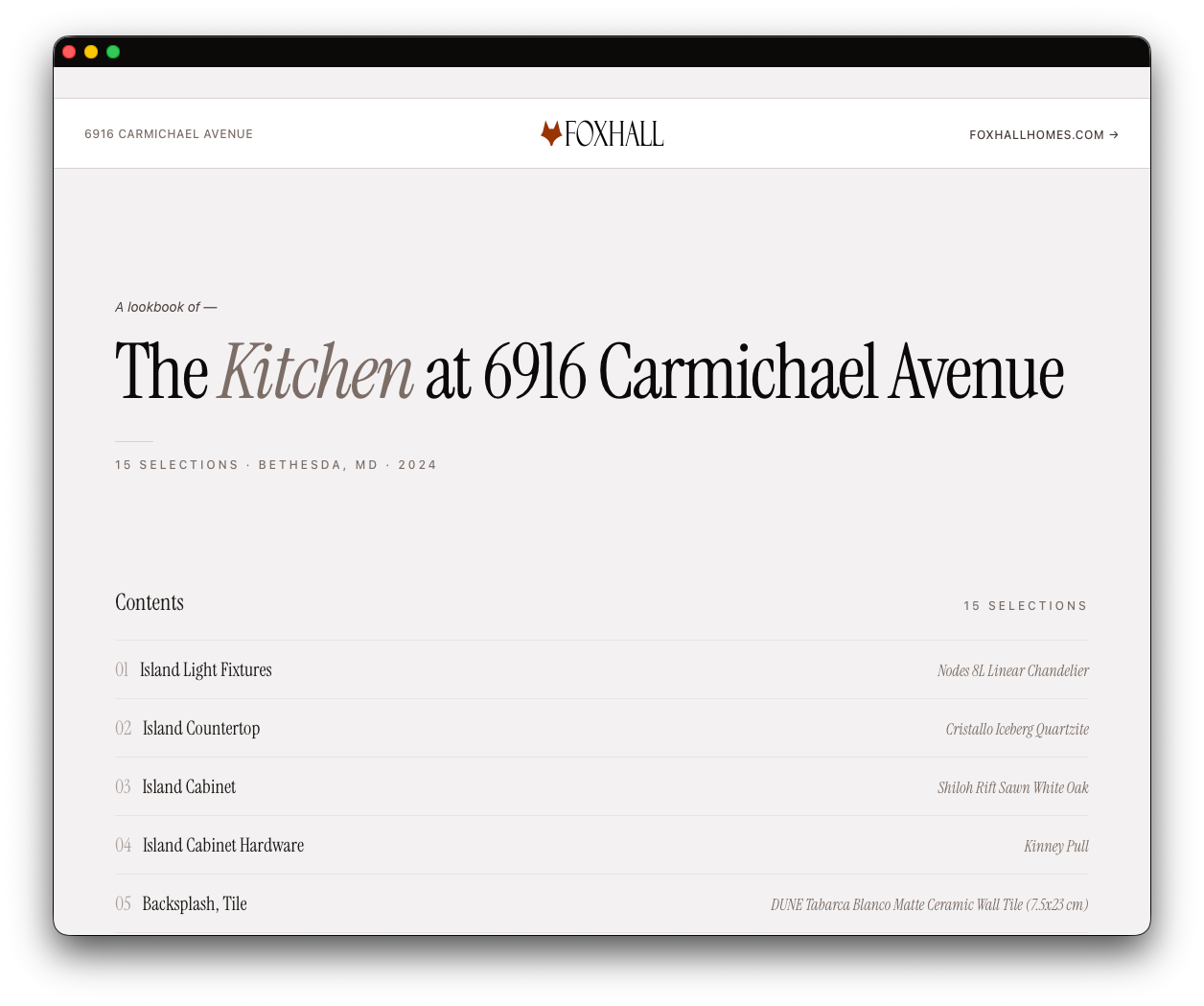
Already using Buildertrend?
Fixture and Finish focuses only on selections, so it works alongside the project management tools you already use. You keep Buildertrend, and Fixture and Finish only does selections.
Pay per active project.
Sign up free, import selections, and draft your first project. You pay when you publish. No per-seat fees, ever.
Monthly
Month-to-month. Cancel anytime.
$29 / active project / month
- No per-seat fees, ever
- Unlimited selections and project history
- Activate or deactivate projects anytime
Annual
Save 14%
Billed annually. Best value for ongoing builders.
$299 / active project / year
About $24.92 per month per project.
- Everything in Monthly
- Two months free vs. monthly billing
Larger team, custom terms, or migrating from another tool? Contact us
“We track hundreds of fixtures and finishes across every home we build. Spreadsheets couldn’t keep up, and the big platforms weren’t built for custom work. So we built Fixture and Finish. Every Foxhall project runs on it.”
Frequently asked questions.
How is the selections library populated?
Fixture and Finish makes it easy to import the products you need. Provide a web address for each product, and AI gathers product details and images to populate the library. After about fifteen to twenty seconds, each product has its name, image, description, and other details in the library.
Can I migrate from spreadsheets or another tool?
Yes. Fixture and Finish's AI import works on whatever you have. Drop in a spreadsheet of product links and the library populates itself. If anything is custom, the team can help in a quick onboarding call.
Do my subs and clients need to create accounts?
No. In Fixture and Finish, subs and trades open a public link to see exactly what's spec'd. Clients tap a link to take part in a design review without a password to remember. They use the platform when they need it; you don't have to onboard anyone.
Who can give final approval on specs?
In Fixture and Finish, only the builder or designer hits final approve and publishes a spec to the trades. Homeowners and other reviewers can react, comment, and propose alternatives in design reviews, but the call is yours. This keeps liability and accountability with the people responsible for the build.
Is there a free trial?
Yes, effectively — you can sign up for Fixture and Finish free, draft a project, and import selections into your library before paying anything. You only pay when you're ready to publish your first project to your trades.
How much does Fixture and Finish cost?
Fixture and Finish is $29 per active project billed monthly, or $299 per active project billed annually (about 14% savings). Pricing is per active project with no per-seat fees, so your whole team and your clients can collaborate at no extra cost.
Why is pricing per project instead of per user?
Fixture and Finish prices per active project to keep the math clean and project-aligned. You can attribute the cost directly to a project's P&L, line-item it on a cost-plus contract, or just absorb it as overhead. Per-user pricing forces you to think about who's "worth" a seat; Fixture and Finish does not want that to slow your team down.
What happens to my data if I cancel or deactivate a project?
In Fixture and Finish, inactive projects stay in your account in read-only mode. You can reactivate at any time and pick up where you left off. If you cancel altogether, your data stays exportable before the account closes.
How is this different from other home building software?
Most builder platforms are built for high-volume production builders. Fixture and Finish is built for small custom builders and designers making one-of-a-kind homes, which is why it stays focused on selections — and priced below the big all-in-one platforms.
Do I need full construction management software to manage selections?
No. Fixture and Finish focuses only on selections, so you can run a professional selections process without paying for or learning an all-in-one platform. It works alongside the tools you already use.
How is Fixture and Finish different from spreadsheets?
Spreadsheets don't show product images, track approvals, or generate client-ready documents. Fixture and Finish keeps every selection with its image, spec, and price in one library, lets clients approve choices online with a digital sign-off, and produces professional specification packages for clients and subcontractors.
What is selections software for home builders?
Selections software helps custom home builders organize, present, and get client approval on the fixtures and finishes for a project — flooring, cabinetry, plumbing fixtures, lighting, and more. It replaces spreadsheets and email threads with a single, trackable system. Fixture and Finish is built specifically for this workflow.
Who is Fixture and Finish for?
Fixture and Finish is built for small to mid-sized custom home builders and designers who want to streamline the selections process without adopting heavy, enterprise construction management software. It was built by a builder, for builders.
Don’t trap your design in a spreadsheet.
Built by a builder, for builders. Free to start. Pay when you publish.